
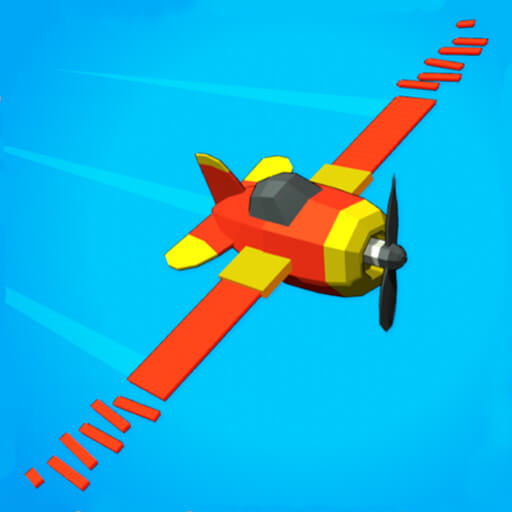
Crash Landing 3D
A spacecraft-landing challenge, distinct from flying missions or dodging missiles in open flight.
Play Crash Landing 3DPlace this game in context
Which version of this idea interests you? The following selections connect to Crash Landing 3D through the catalog details named below.
Timing a defined action
A swing, jump, landing or cut has a different intended result. Compare that result before assuming the timing challenge will feel the same.
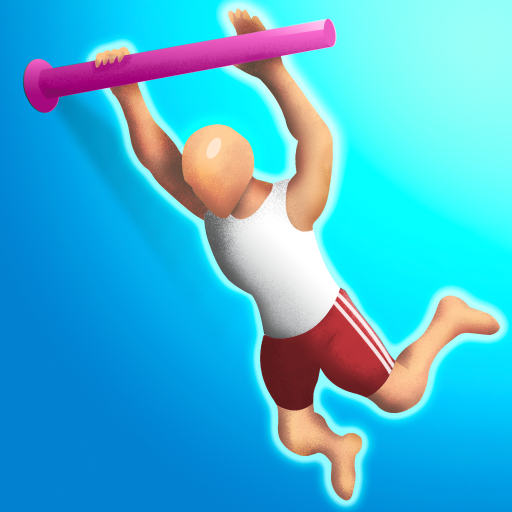 Flip Champs
A stunt-oriented sports entry to compare with jumping a height bar or guiding a race vehicle.
Aircraft and outer space
Aerial travel, a safe landing and fictional planetary destruction use very different objectives within airborne or space settings.
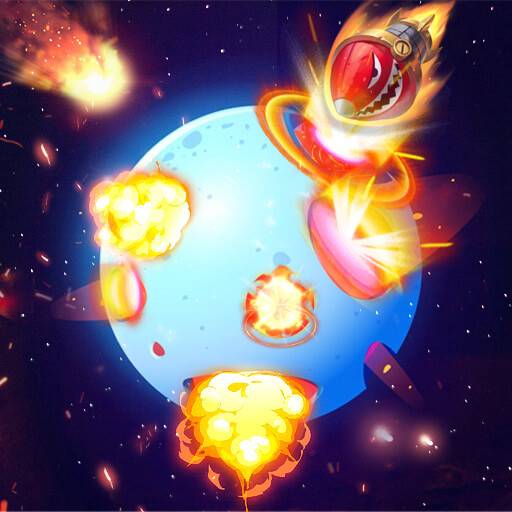 Destroy Galaxy
A space-destruction action entry, distinct from spacecraft landing or flight navigation.
Responding to a timed task
The archived descriptions explicitly mention a clock, speed or a timing requirement for these tasks; that does not establish the same time limit across games.
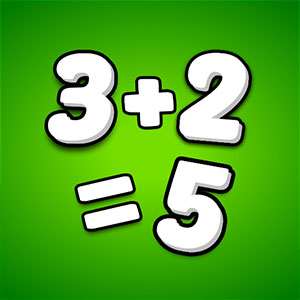 Math Freak
This is a speed-oriented arithmetic choice, distinct from math puzzles that primarily emphasize deliberation.
About this edition's selection method. These are catalog-based introductions and comparisons, not hands-on reviews. Controls and current rules come from the game provider.
Getting started
- Select Play to open the game's launch page.
- Review the external provider and choose Load game. This connects your browser to the game host.
- Follow the game's on-screen instructions. Use touch on a supported phone, or the mouse and keyboard controls shown by the game on desktop.
For a smoother session
Let the game finish loading before interacting. A recent browser and stable connection work best. Sound, touch support and orientation vary by game; check its own settings. If it fails to load, try the direct provider link on the launch page or choose a different game.